

If I Were Starting Pinterest Marketing in 2026, Here’s Exactly What I’d Do
If you’re looking for a beginner’s guide to Pinterest marketing, you’re in the right place. Whether you’re completely new to Pinterest or finally ready to use it for your business, here’s exactly how I’d get started today.
Estimated Read Time: 10 Minutes
Hi, pinning friend! Yes, you with the brilliant business who’s finally ready to put Pinterest to work.
Whether you’re a coach, product-based business, blogger, photographer, interior designer, Etsy seller, or you’re running an online shop from your kitchen table, Pinterest has the potential to become one of your biggest sources of website traffic… if you treat it like the search engine it is.
One of the biggest misconceptions about Pinterest is that it’s “just another social media platform.” It isn’t.
Pinterest works much more like Google, except instead of searching through websites, people search through visual content. Every day, millions of users visit Pinterest looking for ideas, inspiration, products, and solutions to problems. They aren’t there to mindlessly scroll—they’re there because they’re actively planning, researching, and discovering.
That’s exactly why I love Pinterest for business.
One of my favorite things about Pinterest is that it rewards helpful content, not just the loudest voice in the room.
If I were starting Pinterest marketing from scratch today, these are the exact steps I’d follow.
Before You Touch Your Pinterest Account, Let’s Talk Pinterest Keywords
If there’s one thing I want you to take away from this entire guide, it’s this:
Pinterest isn’t powered by followers. It’s powered by keywords.
Before you create your first board, write your bio, or design a single Pin, you need to understand how Pinterest knows who to show your content to.
Remember when I mentioned that Pinterest works more like Google than Instagram?
That’s exactly where keywords come in.
Every day, millions of people type questions, ideas, and products directly into the Pinterest search bar. They’re looking for inspiration, planning future purchases, researching solutions, and discovering businesses just like yours.
Your job is to make sure Pinterest understands exactly what your business is about.
The easiest way to do that is by using the same words your ideal audience is already searching for.

So… what are Pinterest keywords?
Pinterest keywords are simply the words and phrases your ideal customer types into the Pinterest search bar.
Think of them as little clues that tell Pinterest:
“Hey! This content is about Pinterest marketing.”
Or…
“This Pin is about healthy meal prep ideas.”
Or…
“This board is full of home office inspiration.”
The more clearly Pinterest understands your content, the better chance it has of showing your Pins to the right people. And when the right people find your content? That’s when you start seeing more impressions, saves, outbound clicks, website traffic, and eventually… sales.
How to Find Pinterest Keywords
The good news? You don’t need expensive software to get started.
One of my favorite ways to do keyword research is simply using Pinterest itself.
Head over to Pinterest and start typing a topic related to your business into the search bar.
Maybe that’s:
- Pinterest marketing
- Meal prep ideas
- Wedding inspiration
- Home office organization
- Budget travel tips
As you type, Pinterest will begin suggesting additional search phrases.
Those suggestions aren’t random. They’re real searches from real people.
I recommend opening a Google Doc, Notes app, or spreadsheet and keeping a running list of keywords related to your business, services, blog posts, and products. This list will become one of your most valuable Pinterest marketing resources because you’ll use it everywhere—from your profile and boards to your Pin titles and descriptions.
If you’re ready to take your Pinterest SEO strategy a step further, I also love using PinClicks. It gives you access to Pinterest keyword data, lets you track where your Pins rank in search results, and helps you discover opportunities you might otherwise miss.
And you can absolutely grow your account without it, in fact I did it for a long time.
But from my own experience, using a keyword tool helps you make more strategic decisions instead of guessing what’s working. It’s a little like trying to drive somewhere new with or without GPS—you’ll probably get there eventually, but one route is a whole lot faster.
🌻 Gwen’s Tip
Don’t stress about creating the “perfect” keyword list before you start.
Your Pinterest strategy will grow and evolve as your business does. Start with the keywords that best describe what you do today, then continue adding to your list as you create new offers, blog posts, products, and services.
Remember, progress always beats perfection.
Now that you’ve got your keywords ready, let’s build a Pinterest account that’s designed to get found.
Step 1: Switch to a Pinterest Business Account
If you’re using Pinterest for your business, start by creating a Pinterest Business Account or converting your existing personal account. A business account gives you access to valuable features like Pinterest Analytics, website claiming, and other tools that help you grow your account, all completely free.
When setting up your account, add your business name, website, business category, and a professional email address. This information helps Pinterest understand your business and creates a more trustworthy experience for your audience.
Optimize Your Profile Name
Your profile name is searchable, so don’t just use your business name. Include keywords that describe what you do.
A simple format I recommend is:
Your Name | Business Name | What You Do
For example:
Gwendolyn Griffin | Gwen’s Pinfluence | Pinterest Marketing Tips

Step 2: Optimize Your Pinterest Profile
Your Pinterest profile should quickly tell visitors who you help, what you do, and why they should follow you. Think of it as your first impression—make it count.
Here are the four areas to optimize:
- Profile Name: Include your business name and one or two keywords you want to rank for.
- Bio: Clearly explain who you help, what you offer, and naturally weave in your keywords. Skip the hashtags and avoid keyword stuffing.
- Profile Photo: Use a professional headshot if you’re the face of your business, or a recognizable logo if you’re a brand.
- Cover Image: This is optional, but it’s a great place to showcase your brand, promote a freebie, or include a simple call-to-action.
🌻 Gwen’s Tip
When someone lands on your profile, they should immediately know they’re in the right place. If your profile answers who you help and what you help them do, you’re off to a great start.
Want a Checklist to Follow Along?
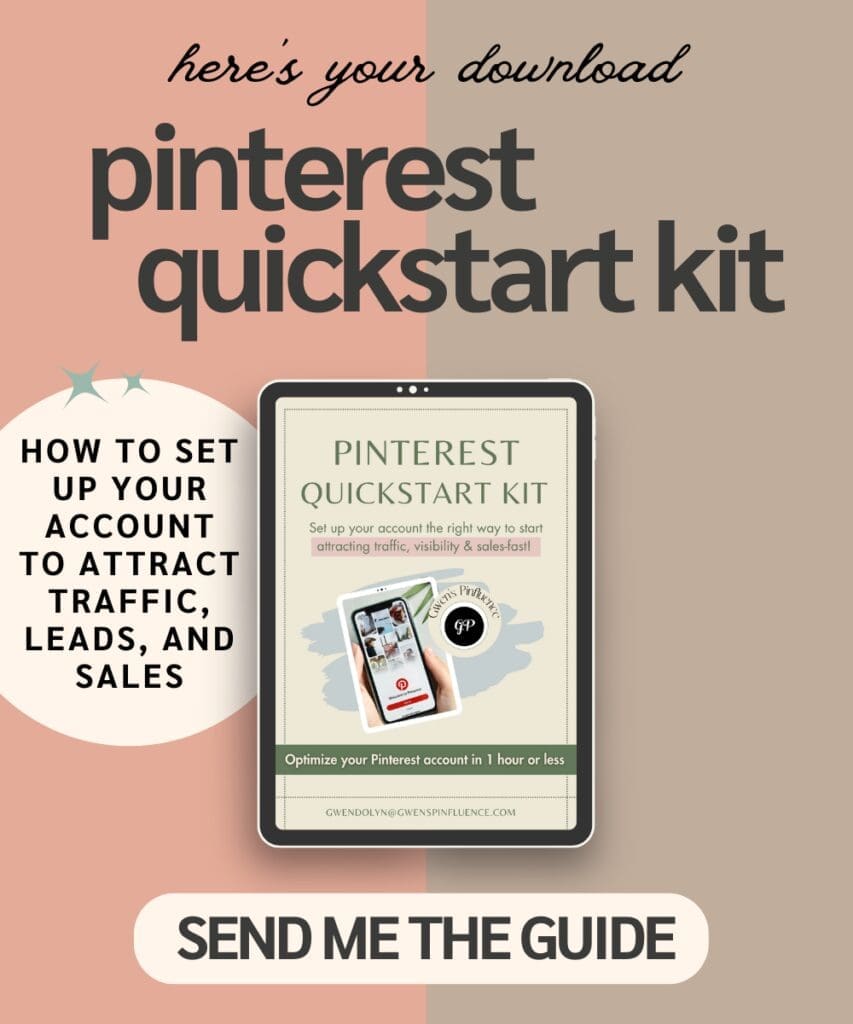
If you’re the kind of person who loves checking things off as you go, same! I created a free Pinterest Quick Start Kit to make setting up your account even easier.
Inside, you’ll find a simple step-by-step checklist to help you optimize your Pinterest profile, organize your boards, and build a strong foundation without wondering if you missed something.
Feel free to download it now and use it alongside this guide as you work through each step.
Step 3: Create Strategic Pinterest Boards
Pinterest boards help organize your content and tell Pinterest what your account is about. Think of them as categories for your business.
When you’re first getting started, create 10–12 boards based on your products, services, blog categories, or topics your ideal audience is searching for.
For example:
- Healthy Breakfast Recipes
- Bathroom Remodel Ideas
- Pinterest Marketing Tips
- Wedding Planning Inspiration
As you create your boards:
- Use clear, keyword-rich board titles.
- Write natural board descriptions that explain what people will find.
- Avoid keyword stuffing—write for people first.
- (Optional) Create branded board covers for a polished look.
Choose board topics you’ll be able to pin to consistently. Instead of creating one broad board called Recipes, try more specific topics like Easy Dinner Recipes or Healthy Breakfast Ideas.
🌻 Gwen’s Tip
Create boards around topics you’ll continue creating content about. If you can only think of three Pins for a board, it’s probably too specific. Give yourself room to grow as your business grows.
Step 4: Create Pins That People Want to Click
Now for the fun part—creating your Pins!
Think of your Pins as little billboards for your business. Their job is to grab attention, communicate value, and encourage someone to click through to your website.
Here are a few Pinterest best practices to keep in mind:
- Use Pinterest’s recommended 2:3 vertical ratio (1000 x 1500 px).
- Write a clear text overlay that includes your main keyword.
- Use high-quality, on-brand images that are easy to read.
- Include a benefit or curiosity-driven hook that gives people a reason to click.
Don’t forget about your Pin title and description, either. This is another opportunity to naturally include your keywords and tell Pinterest (and your audience) exactly what your content is about.
🌻 Gwen’s Tip
Don’t overthink your Pin design.
A simple, clean Pin with a clear headline will almost always outperform a busy design that’s difficult to read. Focus on helping people quickly understand what they’ll gain by clicking.
Step 5: Keep an Eye on Your Pinterest Analytics
One of the best things about a Pinterest Business Account is having access to analytics. Instead of guessing what’s working, Pinterest gives you the data to make smarter decisions.
Make sure you’ve claimed your website so you can track how your content is performing.
Then, head to Pinterest Analytics → Overview and take a look at your top-performing content.
Pay attention to:
- Impressions: How many people are seeing your Pins.
- Saves: Which Pins people want to come back to later.
- Outbound Clicks: Which Pins are driving traffic to your website.
Your top-performing Pins are full of clues. Notice the topics, keywords, images, and headlines that are getting the best results, then create more content around what’s already working.
🌻 Gwen’s Tip
Don’t get discouraged if your analytics don’t take off overnight. Pinterest is a long-term marketing platform, and growth happens through consistency. Keep creating fresh content, monitor what’s performing well, and let your analytics guide your strategy.
Let’s Recap
Before you start pinning, make sure you’ve:
✅ Created a Pinterest Business Account
✅ Optimized your profile
✅ Built strategic boards
✅ Designed keyword-rich Pins
✅ Checked your analytics
You’re Ready to Start Using Pinterest for Your Business
Yay! You now have the foundation to build a Pinterest account that’s designed for long-term visibility, website traffic, and business growth.
Remember, Pinterest isn’t about overnight success. It’s about creating helpful content, using strategic keywords, and showing up consistently. Every Pin you publish is another opportunity for someone to discover your business.
Need a Little Extra Help?
If you’d like a simple checklist to help you put everything we covered into action, download my free Pinterest Quick Start Kit. It’s designed to help you optimize your account and build a strong Pinterest foundation in an hour or less.
👉 Download the Pinterest Quick Start Kit here.
Want to Hand Off Your Pinterest Strategy?
If you’d rather focus on running your business while someone else manages Pinterest, I’d love to help.
Whether you’re looking for monthly Pinterest Management, a one-time Account Optimization, or a Pinterest Audit + Action Plan, I’ll create a strategy that’s tailored to your business and goals.
If you’re ready to get started, fill out my inquiry questionnaire and tell me a little about your business. From there, we’ll find the best option for you.
Learn more about my services here.
I’m cheering you on every step of the way. Happy pinning!


Be the first to comment